Feel local
when you land.

Reclock turns your flights into a simple, day-by-day plan for sleep, light, and caffeine — the three things that actually move your body clock. Jet lag, handled before you take off.

Free  ·  Private by default  ·  Works offline

How it works

Three taps from flight to plan.

No spreadsheets, no complicated settings. Add your trip and the plan appears instantly.

🛫
STEP 1

Add your flight

Type a flight number or your route. Reclock knows the time zones, the red-eye, and the layover.

🌗
STEP 2

Get your plan

A day-by-day timeline of when to seek light, avoid it, sleep, nap, and stop the coffee — tuned to your body.

🔔
STEP 3

Follow the nudges

Gentle reminders arrive at exactly the right moment — even in airplane mode. Just do the next thing.

A day, in color

Big and visual. A glance is enough.

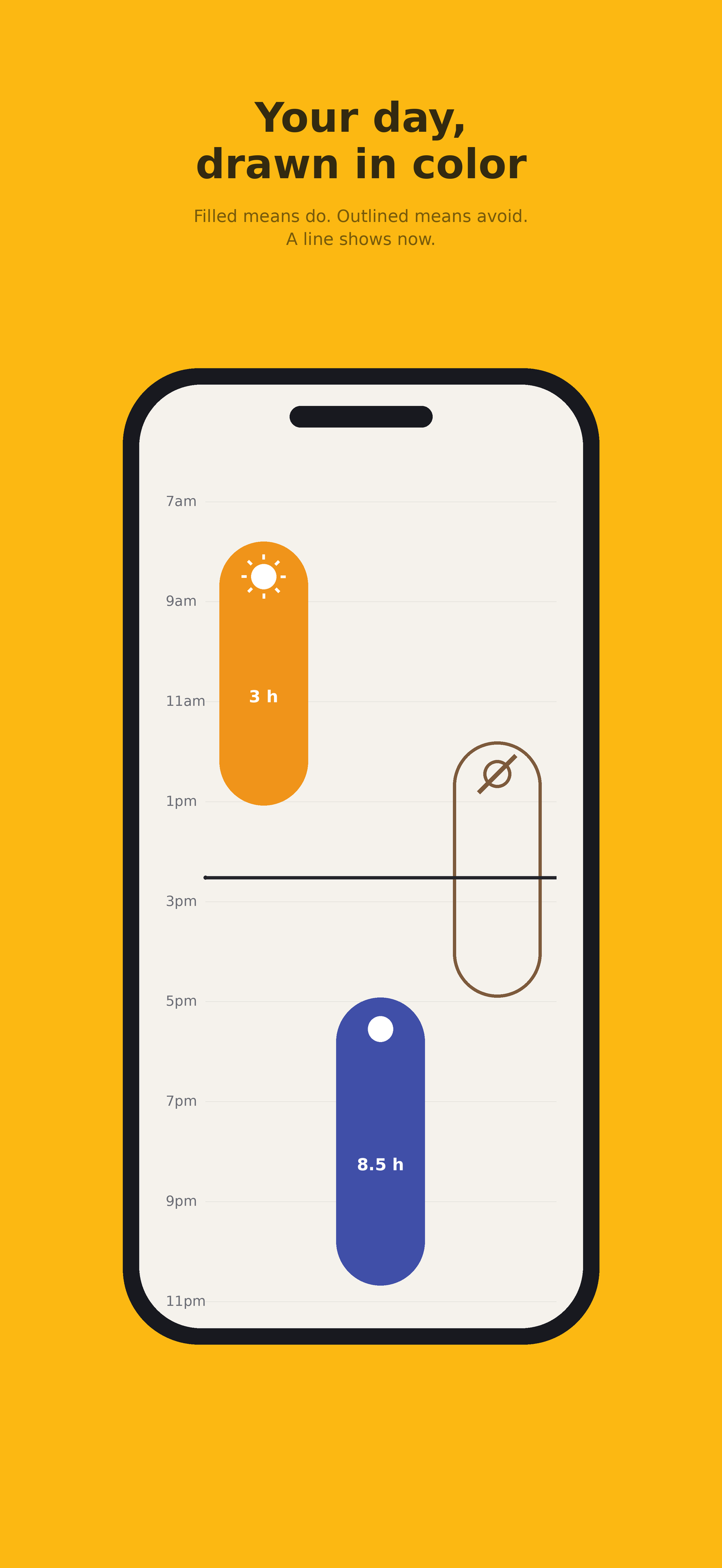
The whole plan reads like a sky — sunrise to deep night — so you always know what to do right now.

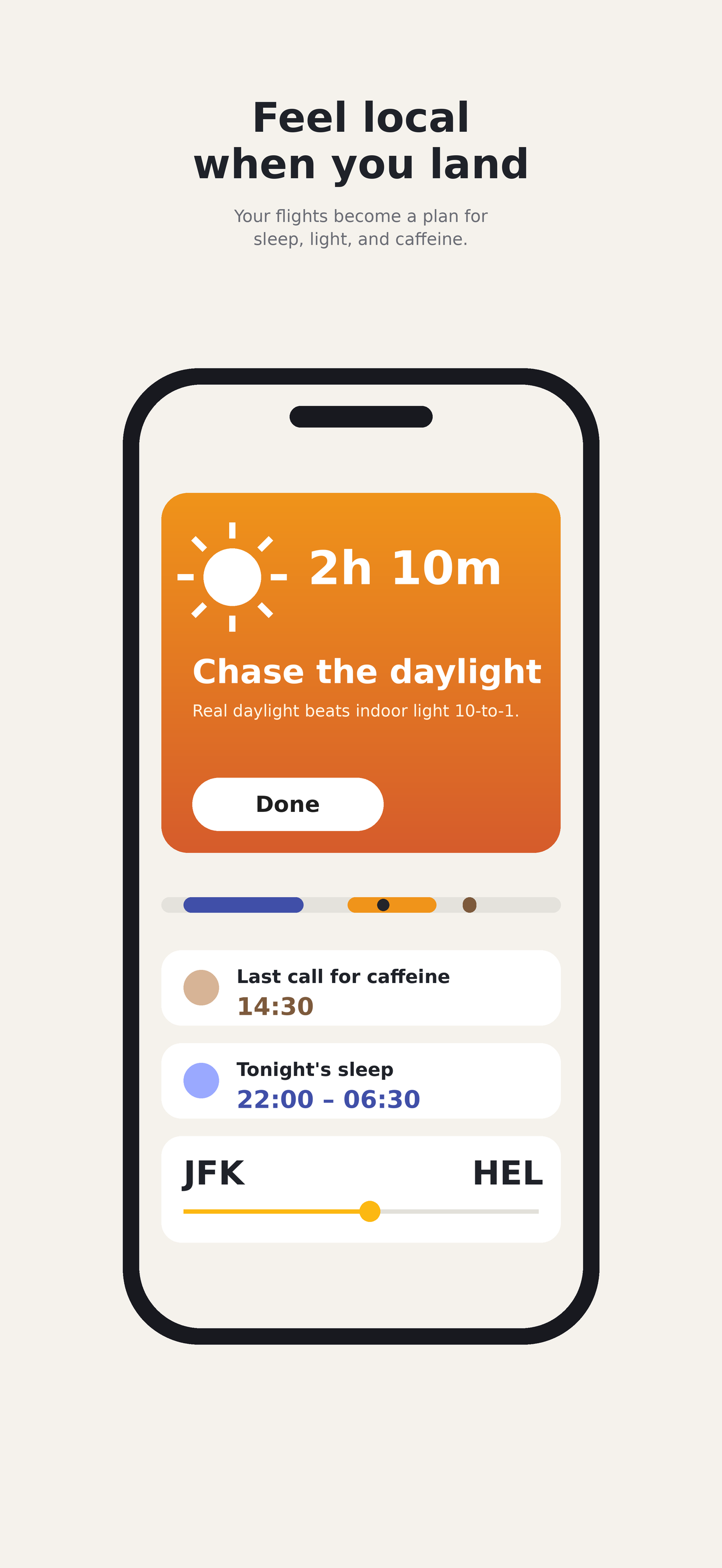
Reclock home screen showing the current step

What to do, right now

The day-by-day plan as colored timelines

Your whole plan, at a glance

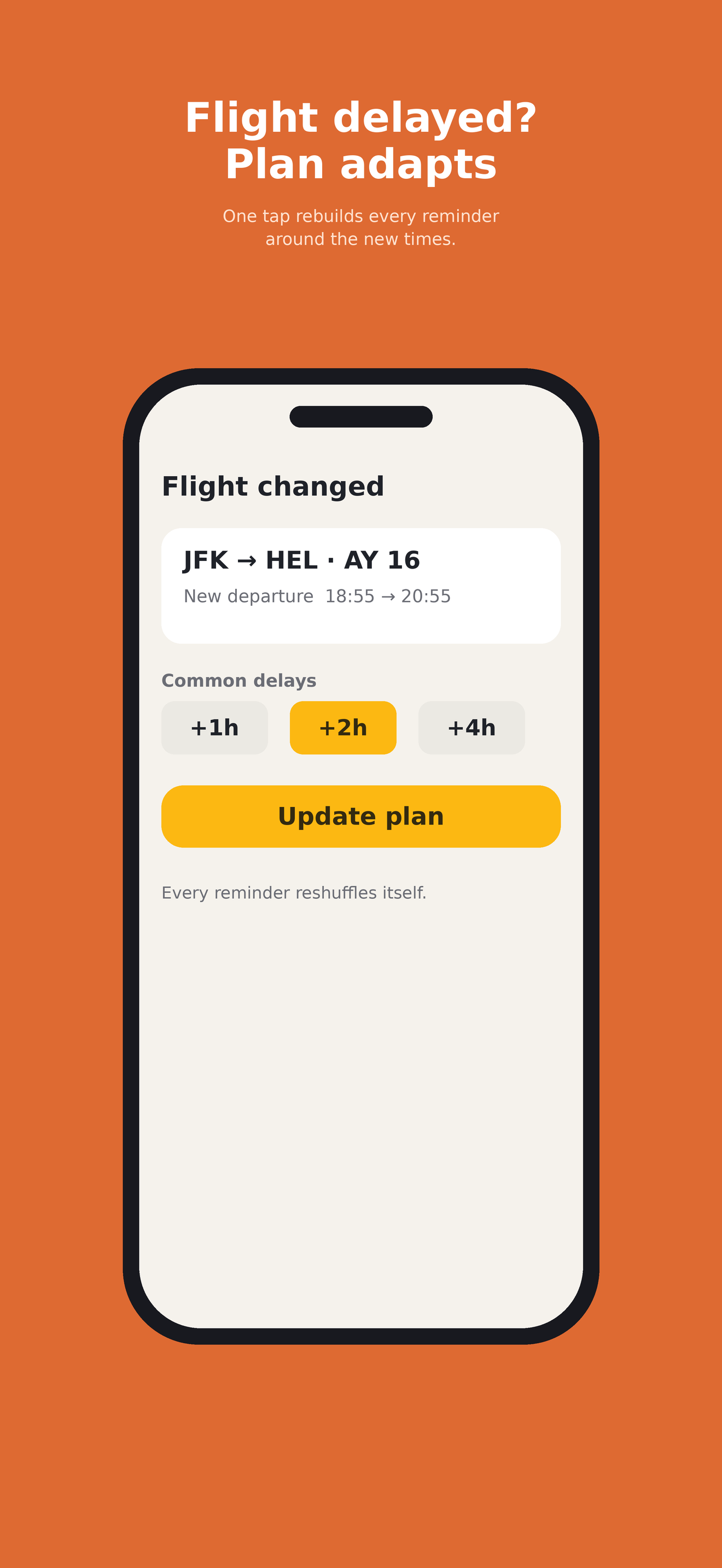
The plan adapting to a flight delay

Adapts when plans change

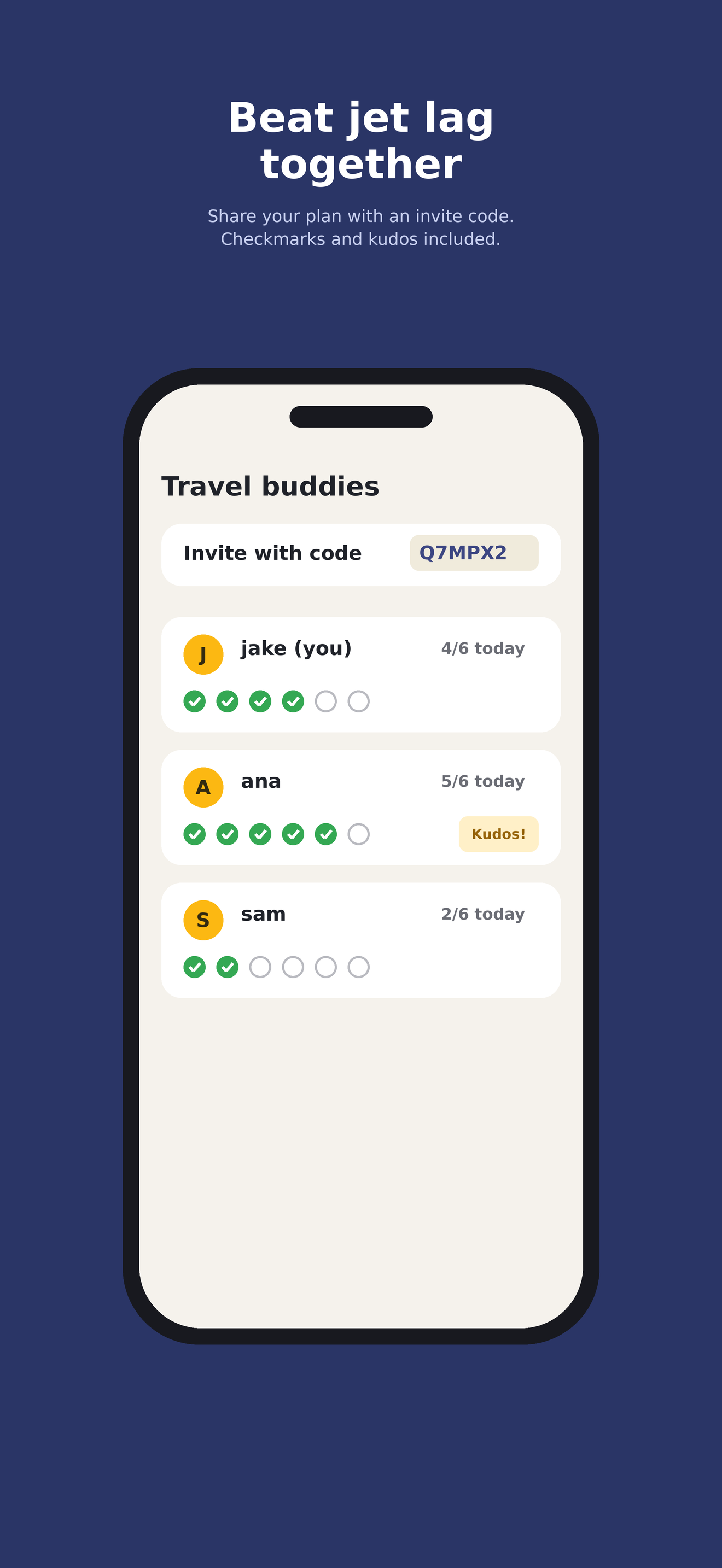
Travel buddies sharing a plan

Bring your travel buddies

What's inside

Small app. Serious science.

🌅

Light, timed right

The strongest lever on your body clock — Reclock tells you exactly when to chase daylight and when to hide from it.

🛏️

Sleep & nap windows

Built around your real sleep, your chronotype, and whether you can actually sleep on a plane.

Caffeine cutoffs

Know your last useful coffee — and when a strategic one helps instead of hurts.

On-device assistant

Ask why a step exists or nudge the plan gentler — powered by Apple Intelligence, entirely on your phone.

📅

Add to Calendar

Drop the key moments into your calendar so everyone you travel with knows the plan too.

👋

Travel buddies

Share a plan, see each other's checkmarks, and send a little kudos when someone nails their bedtime.

Privacy

Private by the design, not the fine print.

Reclock runs entirely on your phone. Your flights, your sleep, the AI — none of it needs an account, and none of it leaves your device unless you choose to turn on backup.

No account requiredOpen the app, add a trip, get a plan. That's it.
Works in airplane modeEverything is computed on-device — no signal needed.
Optional encrypted backupSign in with Apple to sync across devices. Delete it any time.

Land like you never left.

Free on the App Store.

Download on the App Store →
Support

Questions, answered.

Do I need an account?

No. Everything works on-device with no sign-in. Signing in with Apple is optional and only adds encrypted backup and travel buddies.

Does it really work offline?

Yes. Your plan and its reminders are generated and scheduled on your phone, so they fire even in airplane mode at 38,000 feet.

Is this medical advice?

No — Reclock offers general wellness guidance for travel, grounded in circadian science. If you have a sleep disorder or health condition, talk to a clinician.

Flight-number search finds nothing?

Double-check the departure date. Codeshares resolve to the operating airline automatically, so search by the flight you're actually on.

How do I delete my data?

Settings → Delete all data wipes the device. If you signed in, Settings → Delete account & backup removes the server copy permanently, too.

Something's broken or you have an idea?

Open an issue on GitHub — it goes straight to the maker.